Duplicate Invoices: How to Spot Them and Prevent Double Payments
Why duplicate invoices happen, how to spot them using vendor and invoice number, and a simple routine that stops double payments before they leave your account.
What is a duplicate invoice, and why does it matter?
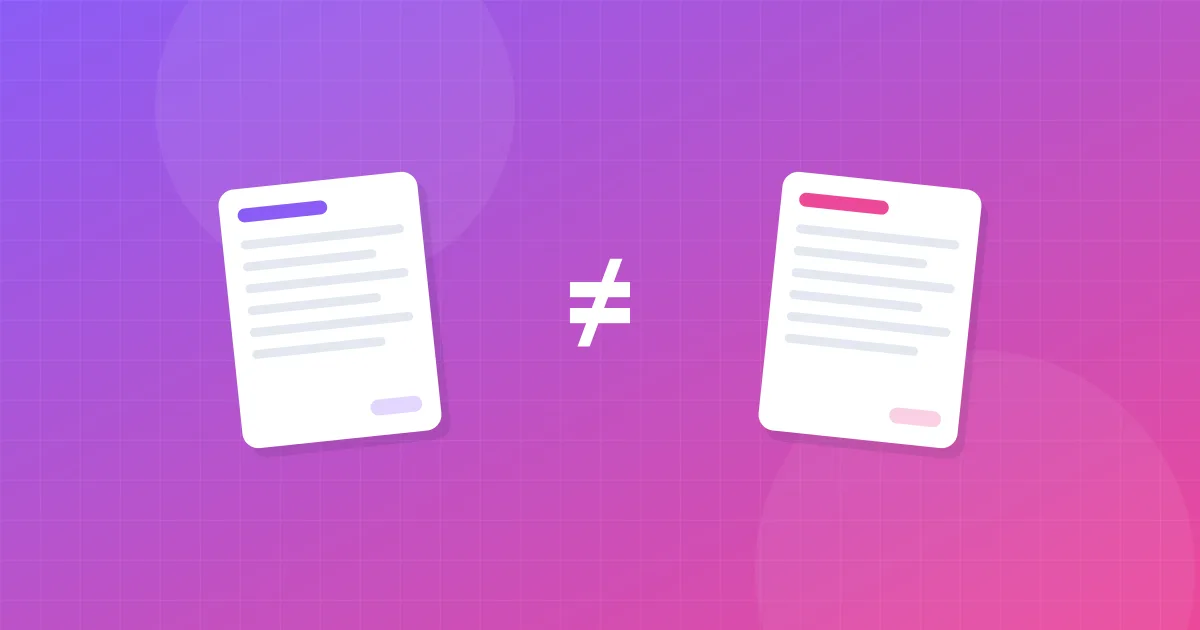
A duplicate invoice is the same invoice that has been received, recorded or paid more than once. The quickest way to spot one is to look for two documents from the same vendor with the same invoice number.
For a small business, duplicates cause two kinds of trouble. The obvious one is paying twice, which ties up cash until you notice and chase a refund. The less obvious one is messy books: an expense recorded twice overstates your costs, and if VAT or GST is involved, it can distort the tax you reclaim. Your accountant will usually catch it, but it costs time and sometimes fees to unwind.
Why duplicate invoices happen
Duplicates are rarely fraud. Most come from ordinary habits:
- The same invoice through two channels. The vendor emails a PDF, and you also download it from their portal a week later.
- Reminders that include the invoice. A "payment reminder" or "overdue notice" often re-attaches the original. Save it again and you have two copies.
- Forwarding chains. A colleague forwards an invoice you already saved, or you forward it to yourself from a personal address.
- Paper plus digital. A scanned paper receipt and the email receipt for the same purchase.
- Corrected invoices. A vendor reissues an invoice with a fix but the same number, or a new number without cancelling the old one.
- Several people paying bills. Two partners each pay the same supplier, each thinking the other hadn't.
Most of these start in the inbox, which is why the guide to finding invoices in your email is worth reading alongside this one.
How to identify duplicate invoices (and what isn't a duplicate)
Check documents against each other in this order:
- Vendor + invoice number. If both match, treat it as a duplicate unless the vendor tells you otherwise.
- Vendor + amount + date. If these match but the number differs, look closer. It may be two genuine purchases, or a reissued invoice.
- Payment reference. Compare against your bank or card statement. Two outgoing payments with the same reference or amount to the same vendor in a short period deserve a second look.
Things that look like duplicates but usually aren't
- Recurring subscriptions. Your software bill for the same amount every month has a new invoice number each time.
- An invoice and its receipt. The invoice asks for payment, the receipt confirms it. They describe one transaction and should be recorded as one expense, but keeping both is fine. See invoice vs receipt for the difference.
- Pro forma invoices or quotes. These come before the real invoice and shouldn't be recorded as expenses.
- Credit notes. A credit note cancels or reduces an invoice. Record it as a separate document, not a duplicate.
If you're unsure, don't delete anything. Move the suspected copy to a "Check" folder and ask your accountant or the vendor.
How to prevent duplicate invoices and double payments
Prevention is mostly about consistency. A few habits remove the majority of duplicates:
- Name files with the invoice number, for example 2026-03-14_Vendor_INV-1042_120.00.pdf. Two files with the same vendor and number now sit next to each other in any folder. Our small business invoice management guide explains the full convention.
- Keep one log. A spreadsheet or accounting tool with one row per invoice. Before adding a row, search the invoice number.
- Pay from the log, not from email. Only pay invoices marked "approved" and mark them "paid" immediately, with the date.
- One person pays each vendor. In a small team, agree who owns which suppliers.
- Use one intake channel. Ask vendors to send invoices to a single billing address, and avoid also downloading from portals unless the email never arrives.
- Turn on duplicate warnings. Many accounting tools flag a bill with the same vendor and number. Check that the setting is on.
In Gmail, search for reminders before you save anything twice:
subject:(reminder OR overdue OR "payment due") has:attachment after:2026/01/01
"INV-1042"
Searching for the invoice number in quotes shows every email that mentions it, so you can see at once whether you already have it. More operators are in our Gmail invoice search guide.
Also worth reading: Invoice Management for Small Business: A Simple System That Actually WorksWhat to do if you paid an invoice twice
- Confirm it. Find both payments on your bank or card statement and the invoice they relate to.
- Contact the vendor with the invoice number, both payment dates, amounts and references. Ask for a refund or a credit against the next invoice, whichever you prefer.
- Get it in writing. A credit note or refund confirmation is the document your accountant needs.
- Record it correctly. Note the overpayment in your log and attach the vendor's confirmation. Don't just delete one of the expense entries.
- Tell your accountant, especially if the period's VAT, GST or sales tax return has already been filed.
Most vendors are happy to resolve a genuine double payment quickly, especially if you contact them soon after it happens.
Make duplicate checks part of a monthly routine
The best time to catch a duplicate is before you pay it, and the second best is the same month. Here is a quick check you can run in a few minutes:
- Sort your invoice log by vendor, then by invoice number.
- Scan for rows where both values repeat. Conditional formatting in Google Sheets or Excel ("highlight duplicates" on a helper column that joins vendor and number) does this for you.
- Sort by amount and look for identical amounts to the same vendor within a few days of each other.
- Compare outgoing payments on your bank statement with the "paid" rows in your log. Two payments for one row is a red flag.
- Move anything suspicious to a "Check" folder and resolve it before the next payment run.
A short monthly review of your invoice log against your bank statement catches nearly all of them. When you collect invoices with Inbox Invoices, the list shows vendor, date and amount side by side, which makes repeated documents easy to see before they go into the ZIP for your accountant.
Summary: vendor + number is your best friend
Duplicate invoices come from documents arriving through more than one channel. Identify them by vendor and invoice number, don't confuse them with recurring charges or receipts, and prevent them with clear file names, one log and one person paying each vendor. If you've paid twice, ask for a refund or credit note and let your accountant know.
What to read next: build the checks into our 15-minute monthly bookkeeping routine, or learn how to hand everything over cleanly in how to send invoices to your accountant.
Want to skip the manual search?
Inbox Invoices scans your Gmail, finds invoices and receipts, and downloads them as one ZIP file. Free, no password, and your emails are never stored.
Find my invoicesFAQ
How do I know if an invoice is a duplicate?
Compare the vendor name and invoice number. If both match another invoice, it's almost certainly a duplicate. Matching amount and date alone isn't proof, since recurring charges often look identical.
What should I do if I paid an invoice twice?
Contact the vendor with both payment details and ask for a refund or a credit note. Keep their written confirmation and tell your accountant so the books and any tax return are correct.
Is a payment reminder a duplicate invoice?
Usually it's a copy of the same invoice, not a new one. Check the invoice number: if it matches one you already have, don't record or pay it again.
Can accounting software detect duplicate invoices?
Many accounting tools warn you when you enter a bill with the same vendor and invoice number as an existing one. Check your settings, and still review your log monthly.
Next guide
Monthly Bookkeeping Checklist: A 15-Minute Routine for Invoices and Receipts
Fifteen minutes on the same day each month is enough to keep invoices and receipts complete, catch missing documents early and make tax time painless.